关于如何在python程序中增加倒计时

rt
from tkinter import *
import random
import openpyxl
import time
is_run = False
def insert_point():
     var = input.get()
     return var

def randomResult(list,num):
    global is_run
    result = random.sample(list, num)
    var.set(result)
    if is_run:
        window.after(100, randomResult, list, num)


def finalResult():
    global is_run
    is_run = False


def randomRun(list):
    global is_run
    if is_run:
        return
    is_run = True
    num = insert_point()
    if num:
        num = int(num)
        randomResult(list,num)
    else:
        is_run = False


def getPeopleList():
    workbook = openpyxl.load_workbook("./peopleList.xlsx", data_only=True)
    list = []
    sheet = workbook[workbook.sheetnames[0]]
    for row in range(2,sheet.max_row+1):
        if sheet.cell(row=row,column=2).value == "":
            continue
        else:
            list.append(sheet.cell(row=row,column=2).value)
    return list


if __name__ == '__main__':
    window = Tk()
    window.geometry('500x290+250+150')
    window.resizable(0,0)
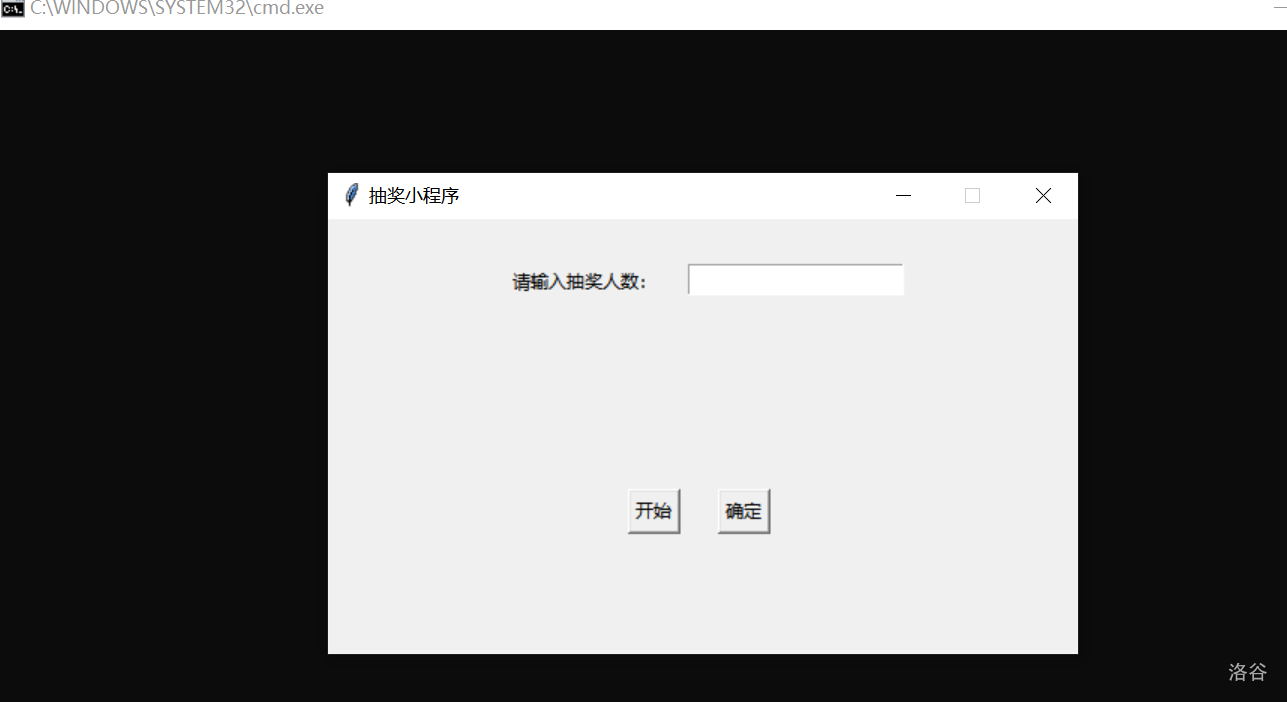
    window.title('抽奖小程序')
    list = getPeopleList()


    var = StringVar()

    noteLable = Label(text="请输入抽奖人数:")
    noteLable.place(anchor=NW, x=120, y=30)
    input = Entry(window, show=None)
    input.place(anchor=NW, x=240, y=30)

    resultLable = Label(textvariable=var)
    resultLable.place(anchor=NW, x=150, y=100)

    startBt = Button(text="开始", command=lambda: randomRun(list=list))
    confirmBt = Button(text="确定", command=lambda: finalResult())
    startBt.place(anchor=NW, x=200, y=180)
    confirmBt.place(anchor=NW, x=260, y=180)
    window.mainloop()
加载中...